No keyframes
Entrances, exits and staggers come from the theme's motion preset, timed to the frame. Change the preset and every item follows.
154 Remotion components and 14 templates you add with one command and edit like the rest of your code. One timeline renders at 16:9, 9:16 and 1:1, in any of 6 themes.
Keyframes, second exports and restyles eat the week before a launch. reelcn items already carry the timing, the layout rules and the theme, so the work left is your content.
Entrances, exits and staggers come from the theme's motion preset, timed to the frame. Change the preset and every item follows.
Items size themselves in design units and respect platform safe zones. The same code renders at 16:9, 9:16 and 1:1.
One theme prop sets colors, type, radius and motion across every item. Six themes, or your brand kit.
No clock, no unseeded randomness, no CSS animation. CI renders sampled frames twice and fails on a single changed pixel.
Source lands in src/reelcn/ and stays yours. MIT, no runtime package, nothing to log in to.
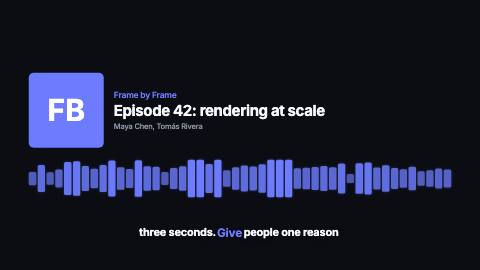
Templates work out their own length from the content: reading time for text, typing time for code, the file length for audio.
Three commands. No components.json, no path aliases, no account.
Prefer an agent? Give it the reelcn skill and describe the video.
These three players run the same composition, untouched. Items read the canvas and reflow, so YouTube, Reels and a square post each come from one render command.
Pick a theme below or let it cycle. Colors, fonts, corner radius and the motion preset all change together.
Hover a frame to watch it move. Every item has a page with a live player, props and install tabs.
Every item carries use and avoid notes, and every page has a Markdown twin. Agents pick components the way you would.
Agent skillPicks a video type, writes the story, checks a contact sheet and determinism, then renders. Eight recipes built in.
/llms.txtThe whole catalog as plain text, with length, use and avoid for each item.
shadcn MCPSearch and install reelcn items from inside your editor.
page.mdAppend .md to any docs URL for clean Markdown an agent can read.
 f0
f0Any Remotion project works, new or years old.
Its scenes, theme and dependencies land as source you can read.
615 frames, measured from the content. Same pixels every time.